RedKingsDesigns / Local-First Utility

Know how much battery capacity your Windows laptop has lost.

Windows Battery Health Dashboard turns the battery data already on your computer into a simple A-F health grade, local wear history, and a clean export. It runs on your machine: no account, no telemetry, no subscription.

Download the ready-to-run package View MIT-licensed source

Free tipware for Windows 10 or 11 with Python 3.10+.

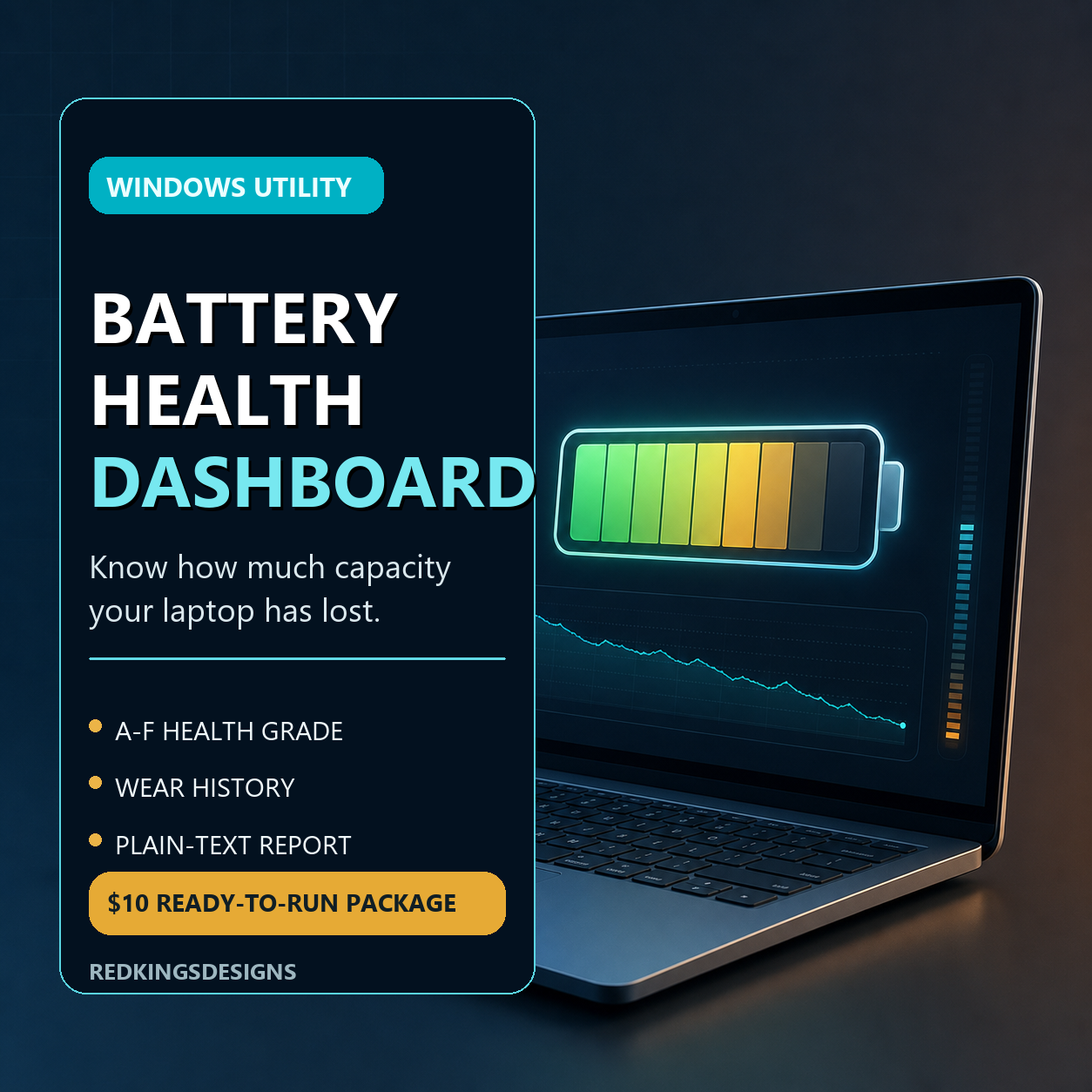
Windows Battery Health Dashboard cover

What is included

  • A-F grade from original capacity versus current capacity
  • Local SQLite history and wear trend estimates
  • Live watch mode and plain-text export
  • Double-click Windows setup and launch helpers
  • Optional Groq summary; no API key required for the dashboard

Support more small tools

If this saves you time, a $10-equivalent tip helps fund the next practical local-first utility.

Base USDC
0x0eAFF975a4823c823cfE0c77E9110Ba47291E72A
SOL
9Ga6JioPVtGCiuvWfc2VCCbN61WLNCkm6S1qFRVn38sG
HIVE
@redkingsdesigns

Quick start

  1. Download and extract the zip.
  2. Double-click Install-Dependencies.cmd.
  3. Double-click Run-Battery-Dashboard.cmd.

Package integrity

SHA-256

FCAFD5298FB89710942AEB9431B87D44AC73C89B5A1E16B3B1FB69FE572857CE